A sublimation printer is one of the most important pieces of equipment in any sublimation setup. When paired with sublimation paper and ink, these devices produce stunning, vibrant transfers that you can use to customize compatible items.
Whether you're customizing items as a hobby or building a crafting business, it is essential to understand what a sublimation printer is. These devices can empower you to achieve professional results on every item, making them a must-have if you customize tumblers, ceramic mugs, stainless steel water bottles, shirts, and other items.
If you're new to sublimation printing, the variety of printers on the market can feel overwhelming. Features, print sizes, ink systems, and pricing vary significantly from one model to the next, making it difficult to determine which device is right for your setup.
Fortunately, this guide explains and explores everything you need to know about sublimation printers, including how they work, what they're used for, the features that matter most, and what to consider before investing in one.
By the end, you'll have a solid understanding of sublimation printers and the factors that matter most when making a purchase.
 What Is a Sublimation Printer?
A sublimation printer uses specialized sublimation ink to create transfers for customized products. The device prints designs onto sublimation paper, allowing you to then transfer the image onto compatible blanks through sublimation printing.
Many crafters and creative businesses prefer this sublimation printing technique to other customization methods, such as screen printing and vinyl. The design bonds directly to the blanks, resulting in more vibrant prints that are highly durable.
Sublimation printers serve as the essential starting point for this customization process. These devices use specially formulated inks that allow you to transfer the printed design onto blanks with heat and pressure.
Whether you're creating custom items for personal use or selling products, a sublimation printer is one of the most critical tools in your customization setup.
Next, we'll explore some products you can create with a sublimation printer.
What Is a Sublimation Printer Used For?
You can use a sublimation printer to create custom, full-color designs for a wide range of products.
Before exploring these items, it's essential to note that sublimation works on polyester fabrics and polymer-coated items, called sublimation blanks. The sublimation ink will not bond to surfaces without polyester or polymer coatings, leading to only temporary prints that wash off easily.
Luckily, there are plenty of sublimation blanks and polyester fabrics available online that are perfect for customization.
Here are some of the most popular custom items crafters create using sublimation printers:
-
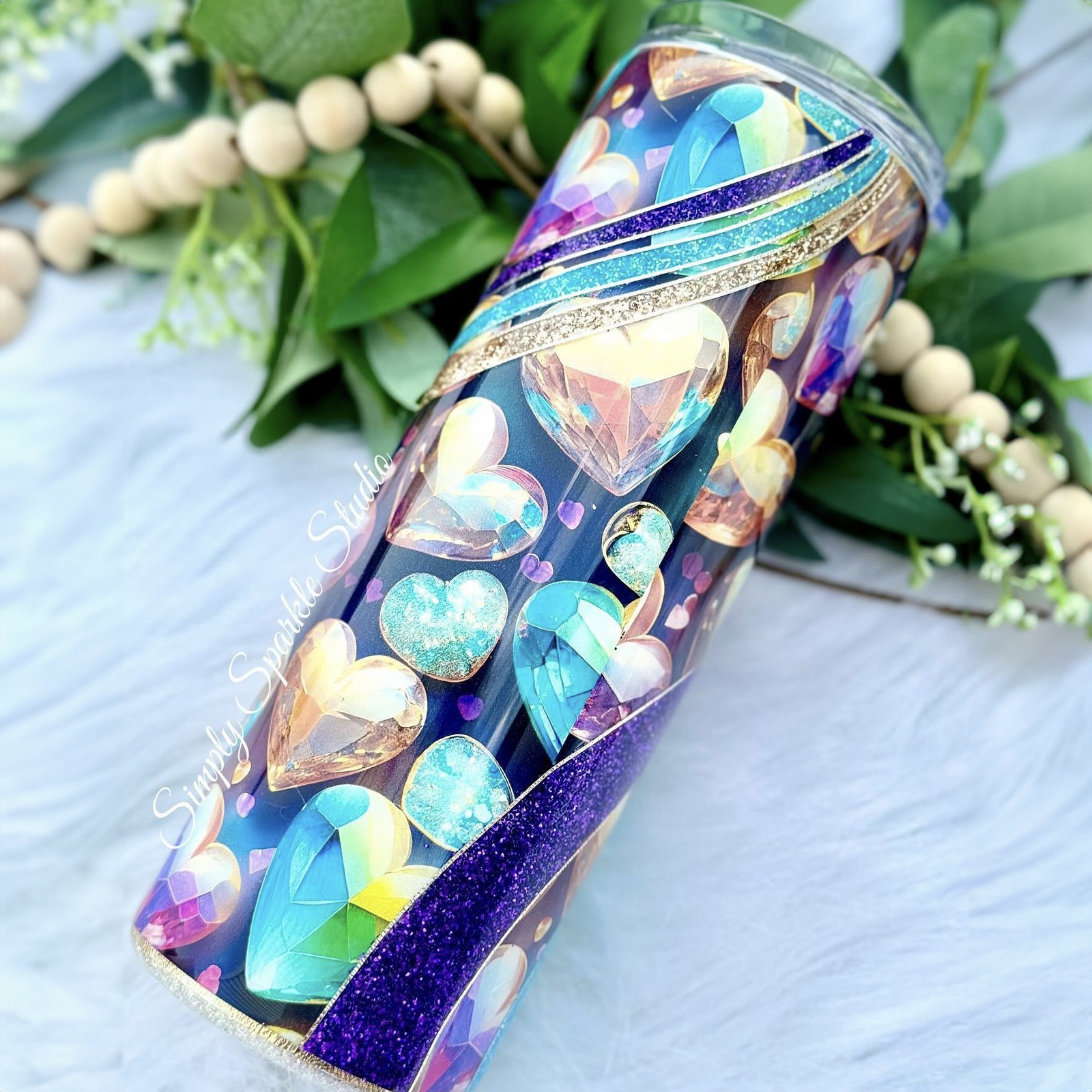
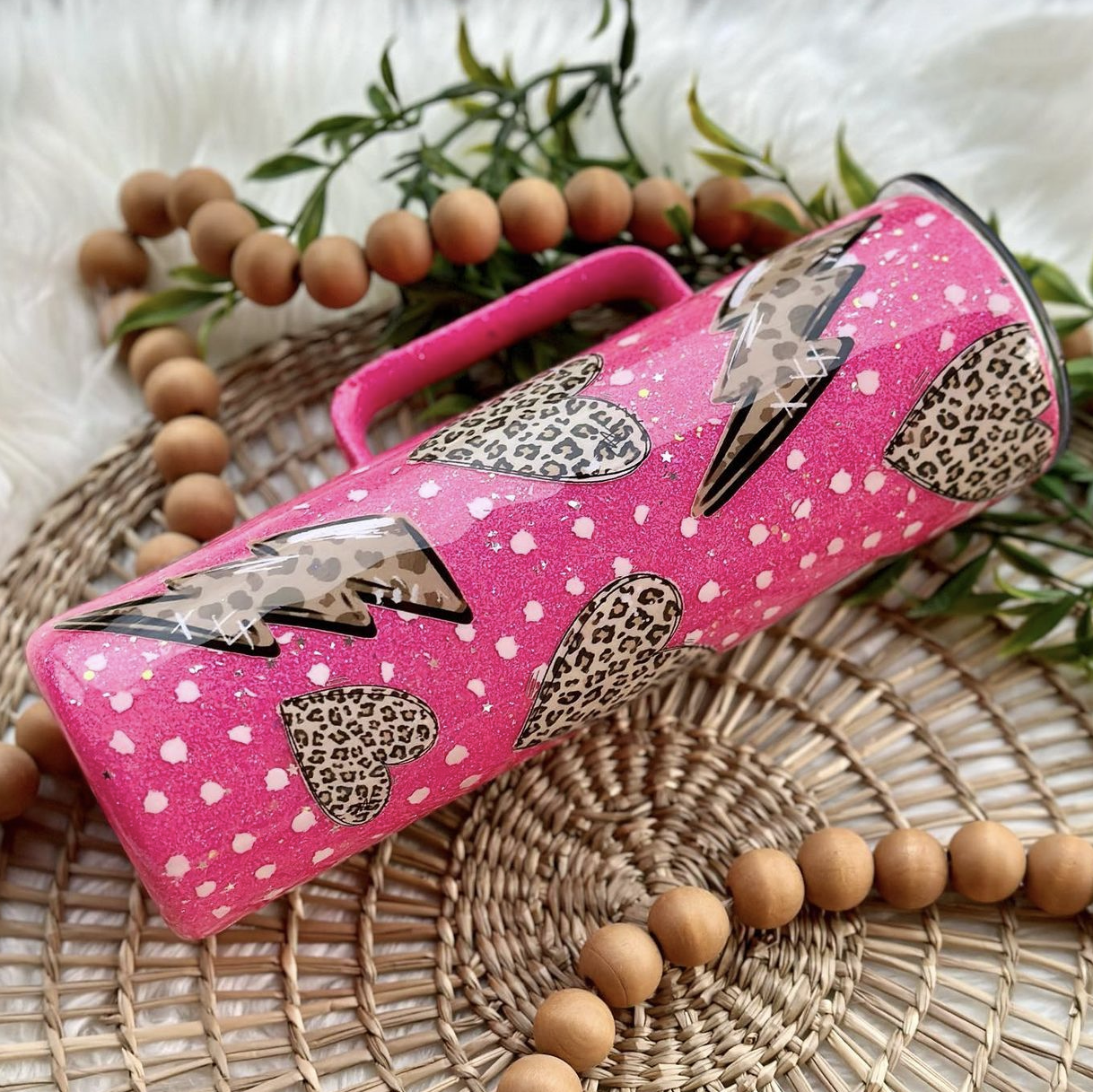
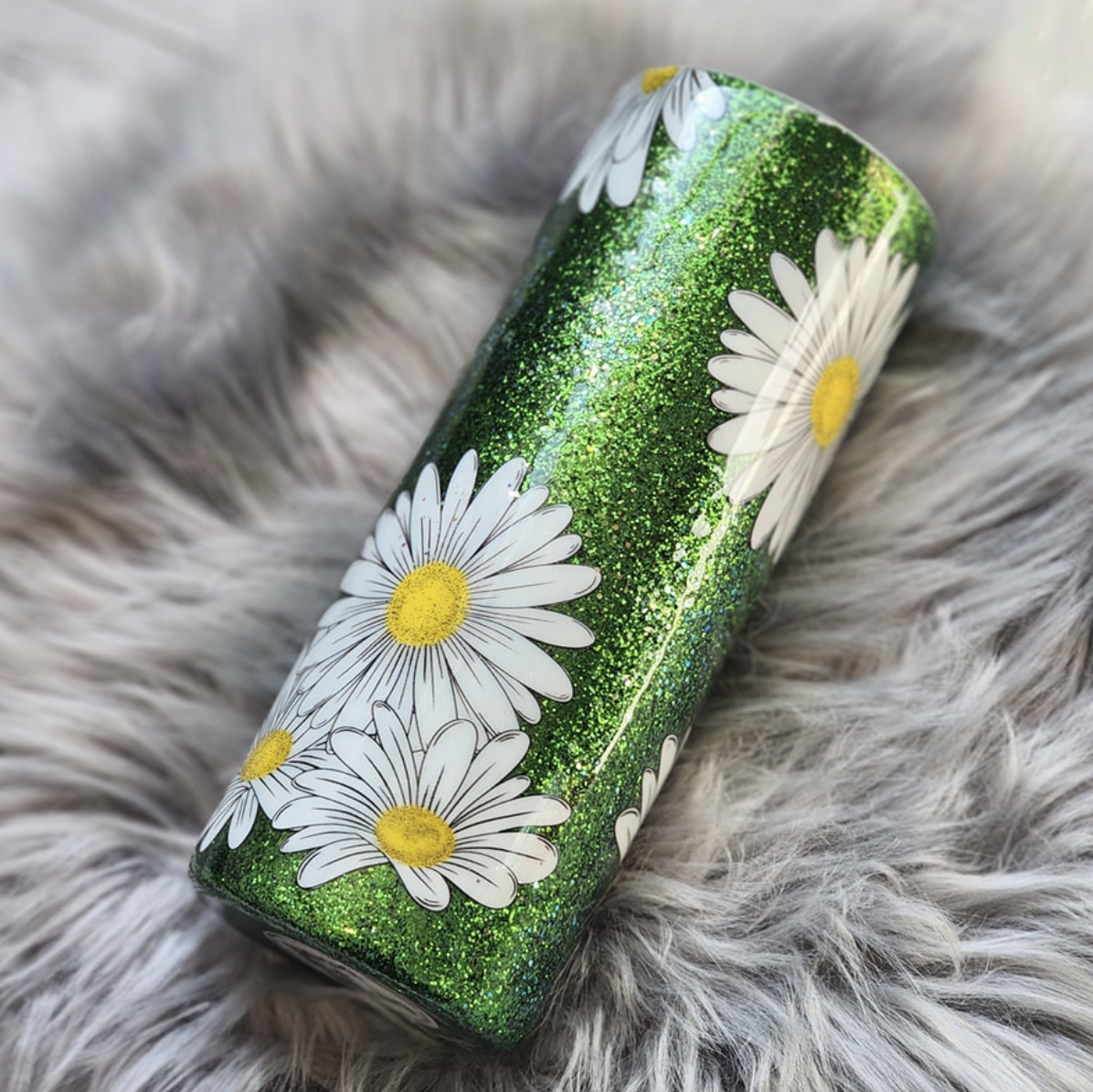
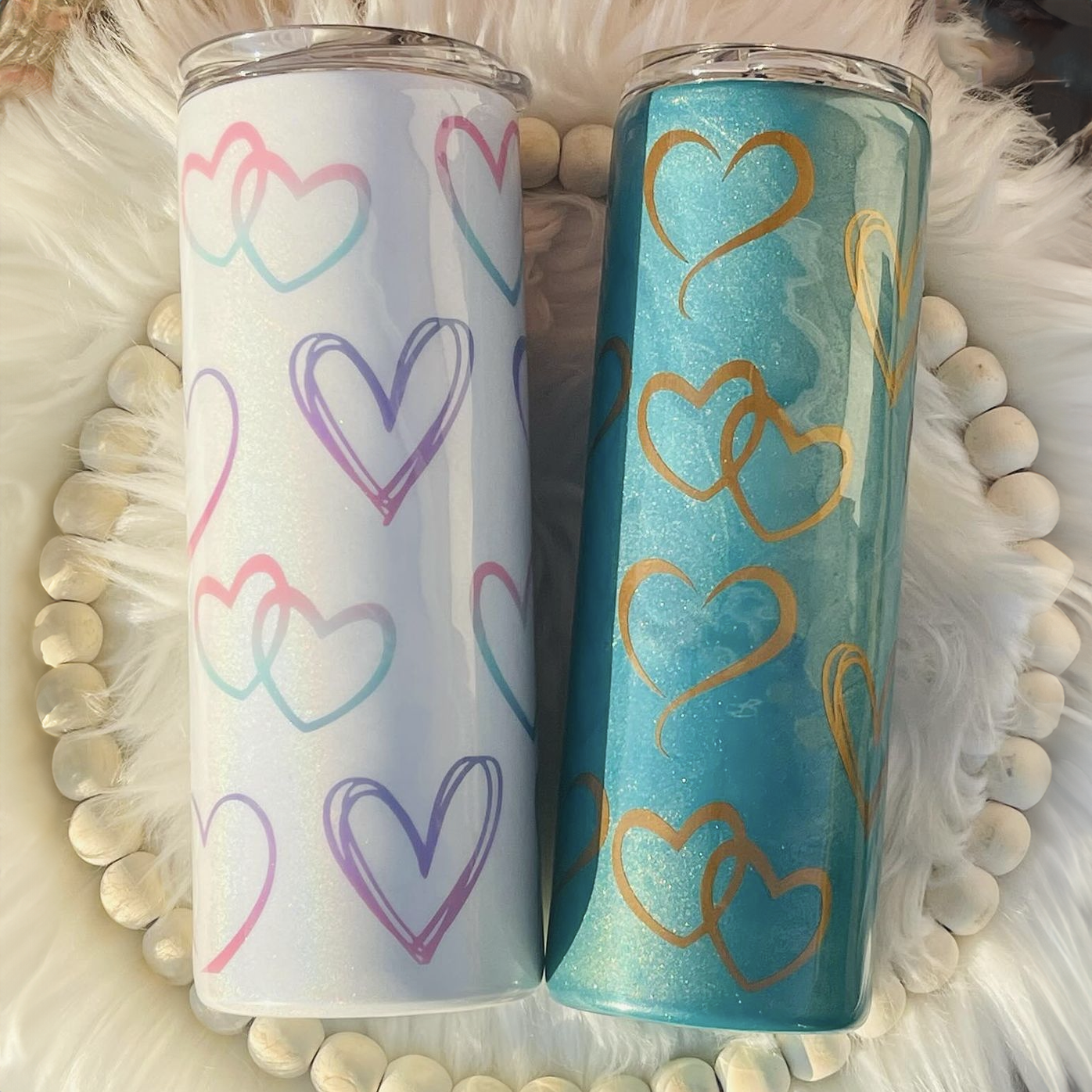
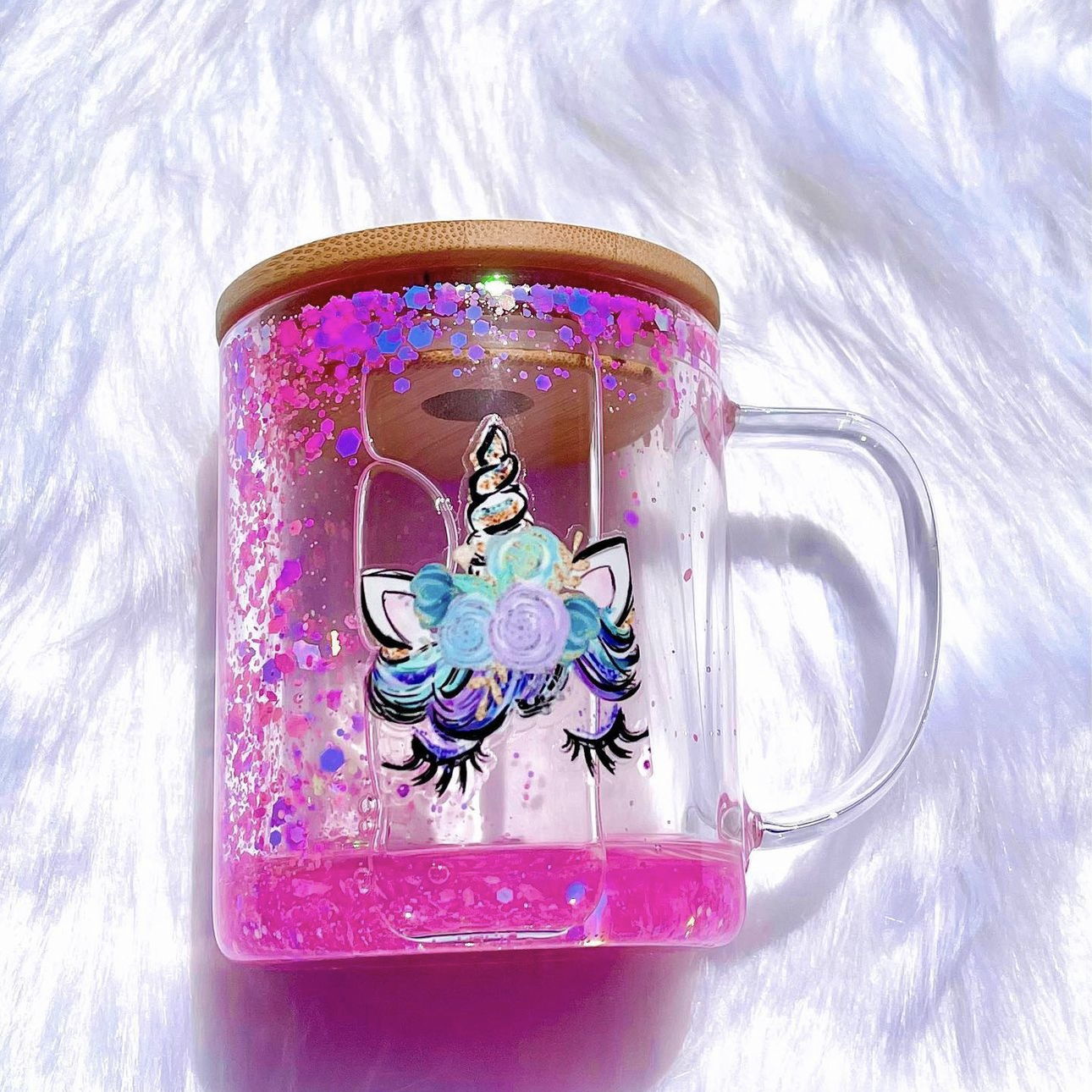
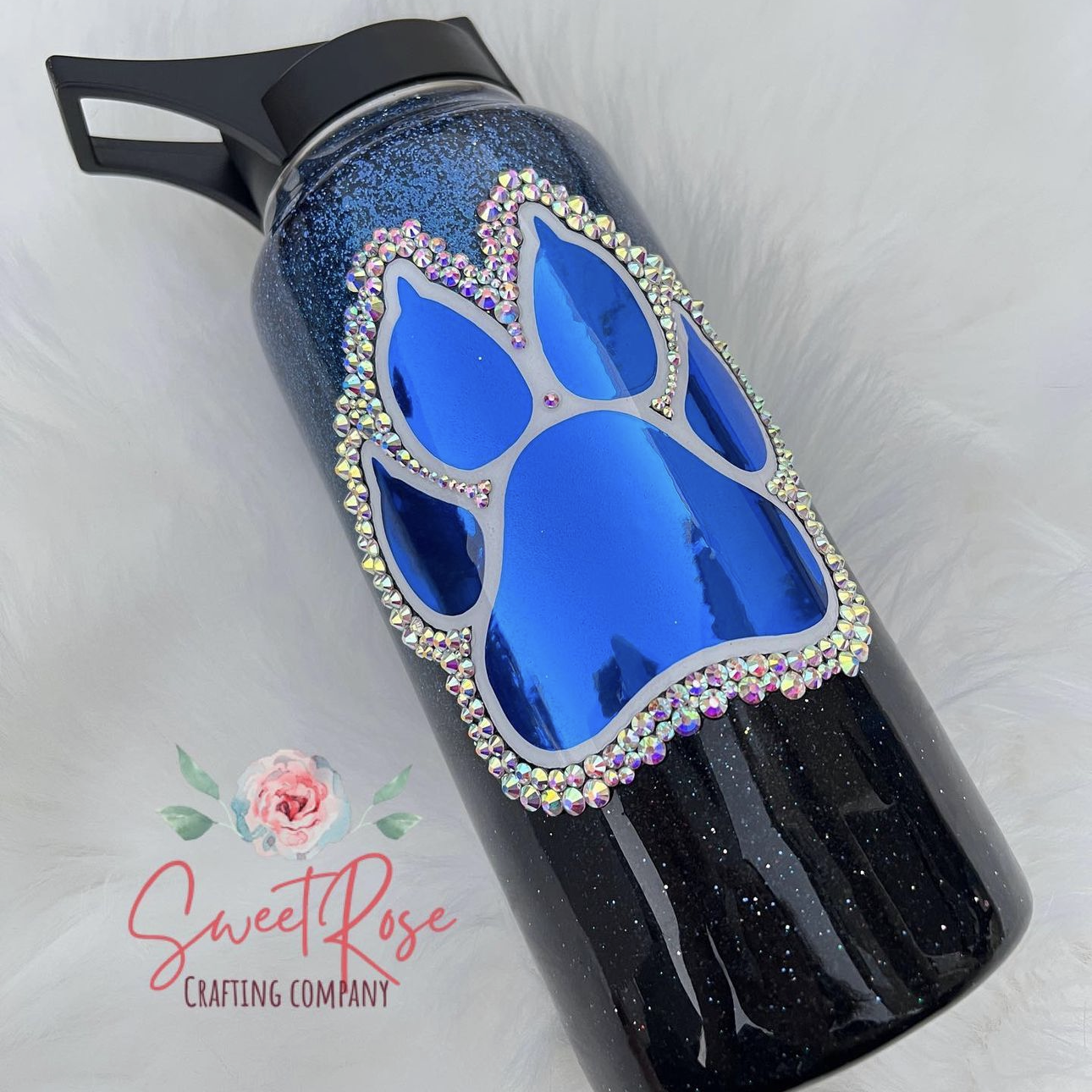
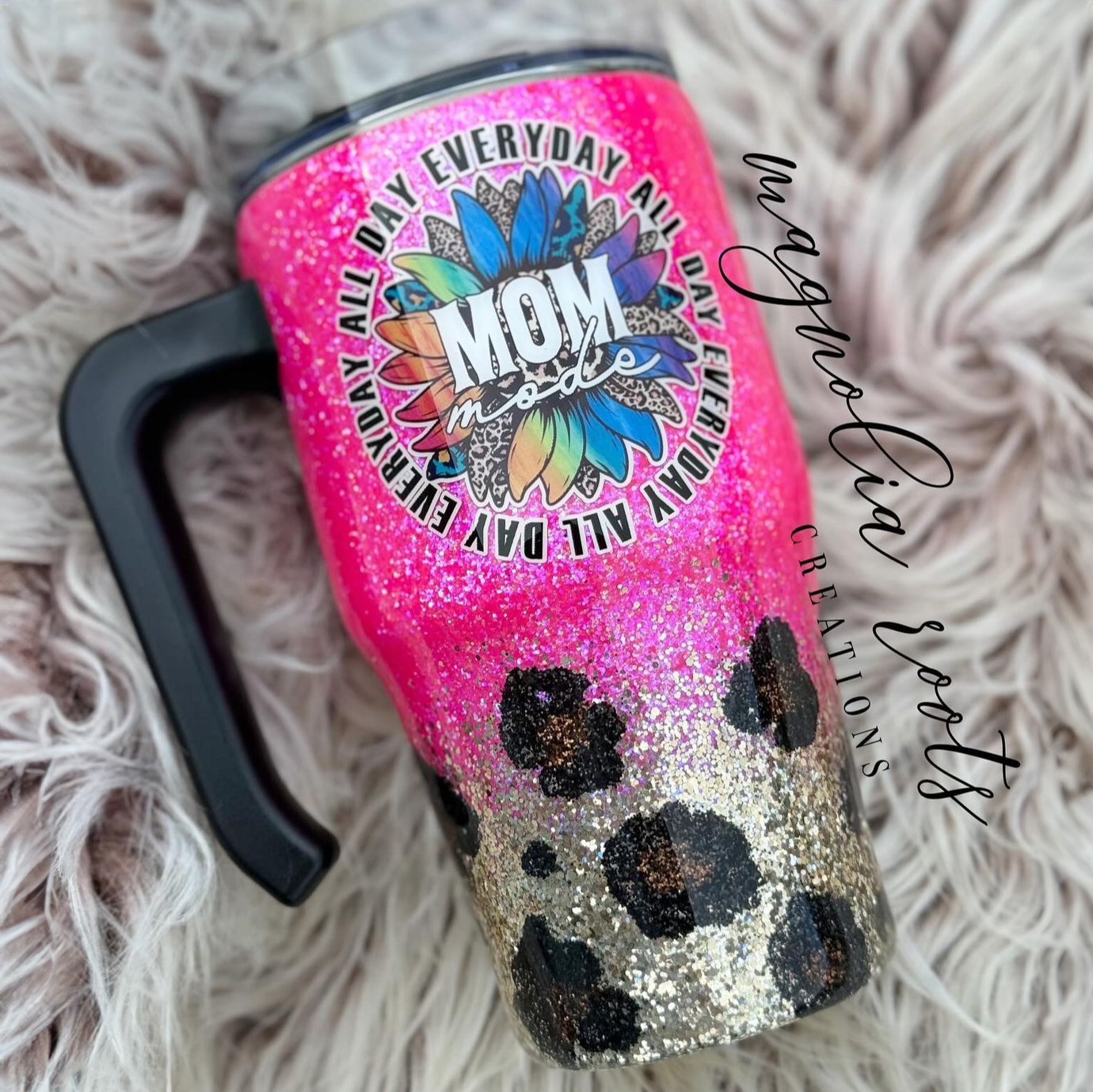
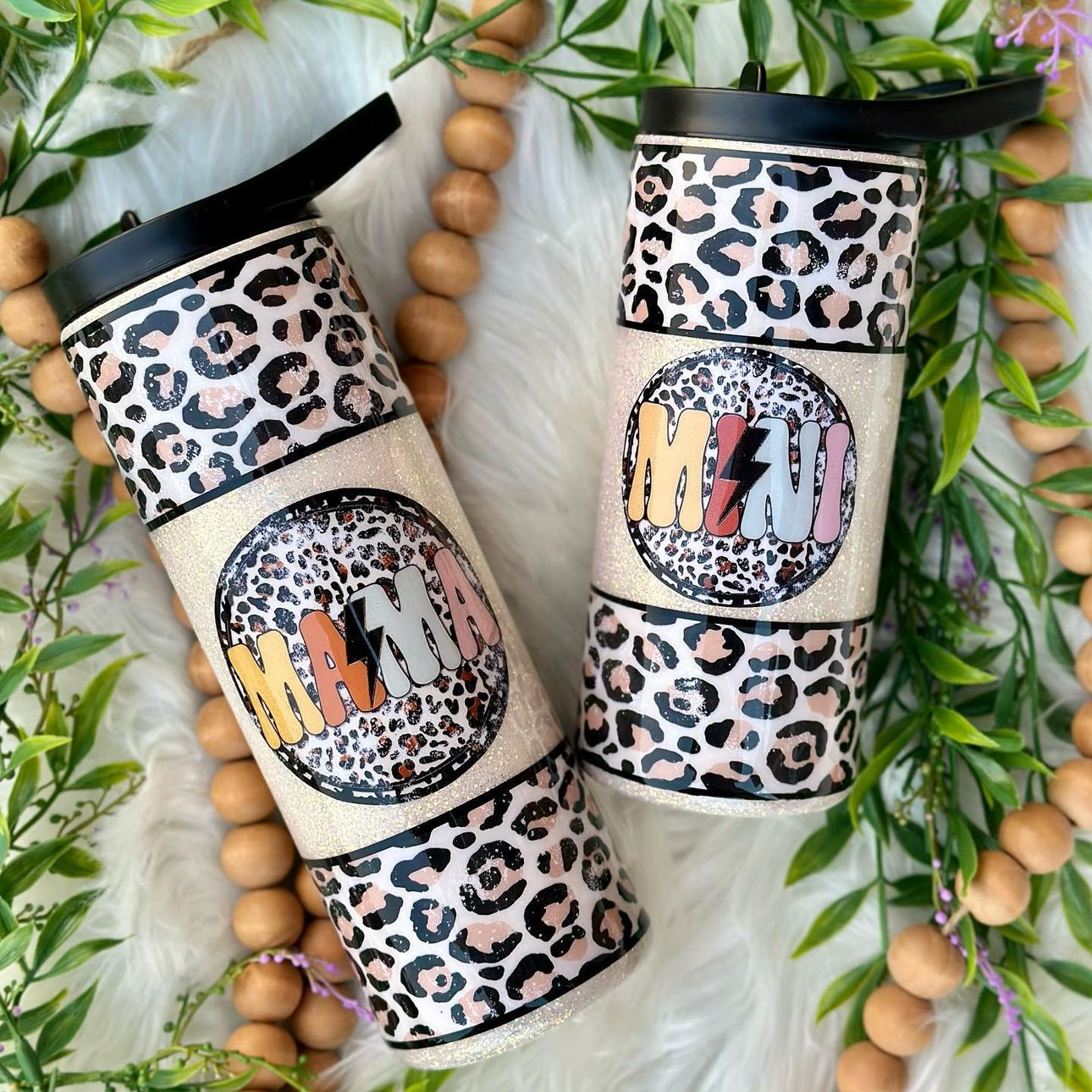
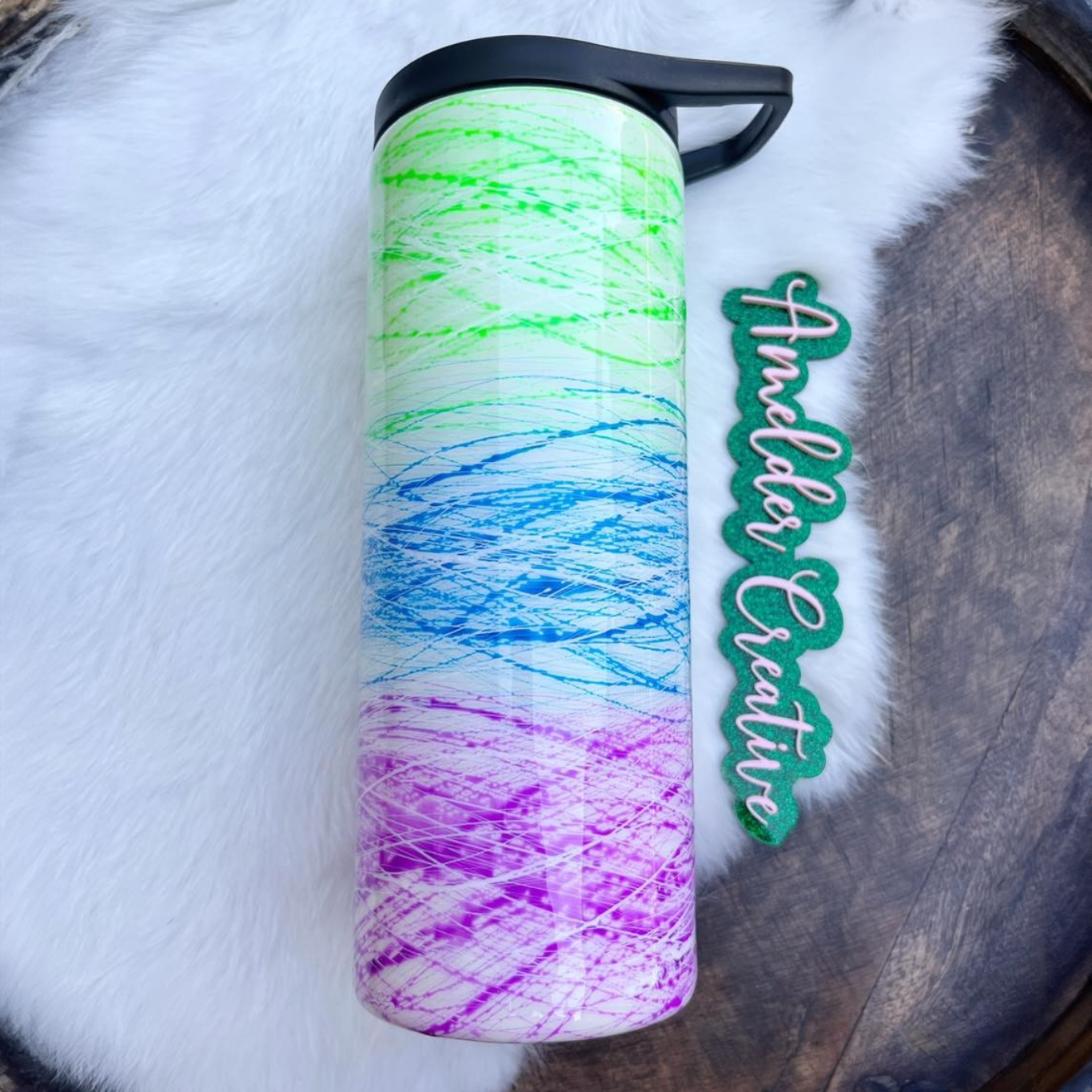
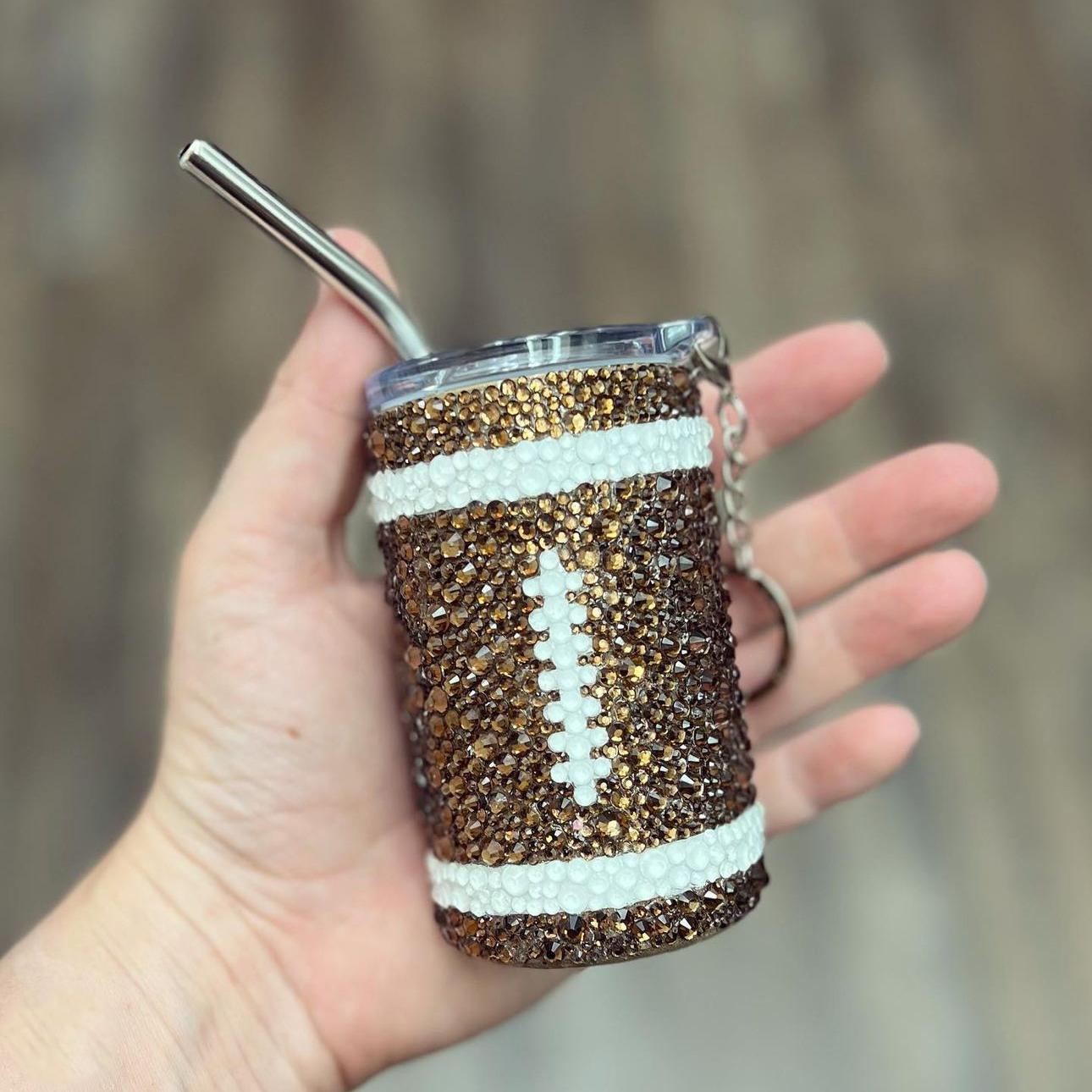
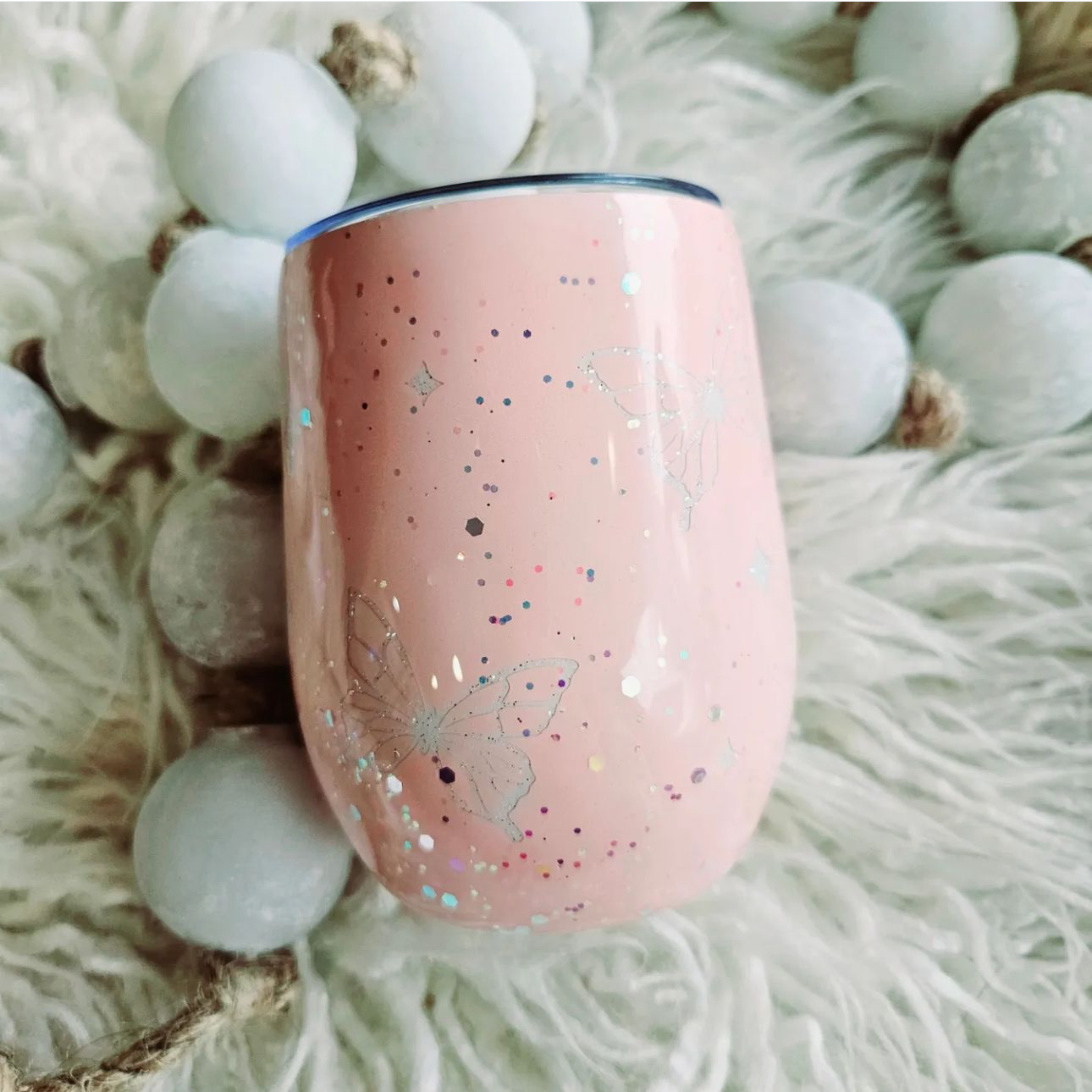
Custom Drinkware: Crafters often use sublimation printers to create custom tumblers, mugs, water bottles, and other drinkware. Many crafters start with sublimating drinkware because these custom cups are in high demand and are easy to customize.
-
Apparel: Polyester t-shirts, hoodies, sweatshirts, jerseys, and other apparel are perfect for sublimation. You can produce full-color, detailed prints that bond directly to the fabric.
-
Accessories: Common accessories crafters create with sublimation include tote bags, mouse pads, coasters, keychains, luggage tags, and phone cases. These products are popular for branding and everyday use.
-
Home Décor: Crafters use sublimation to decorate items such as wall signs, photo panels, decorative plaques, blankets, and more.
-
Personalized Gifts: Sublimation is ideal for creating personalized gifts, like ornaments, throw pillows, and other custom keepsakes.
Whether you're selling custom products or creating personalized gifts for family and friends, a sublimation printer provides the flexibility to customize items across many categories. Just remember that the item must have polyester fibers or a polymer coating.
Now that you know what you can decorate with a sublimation printer, let's unpack important features to be on the lookout for as you shop for one of these devices.
 Key Features to Look for in Dye Sublimation Printers
Not all sublimation printers offer the same capabilities. While many models can produce high-quality transfers, certain features can significantly affect print quality, efficiency, and long-term usability.
If you're comparing printers, pay close attention to the following factors:
Maximum Print Size
One of the biggest differences between sublimation printers is the maximum transfer size they can produce.
Entry-level models are often limited to standard letter-size or legal-size paper, while larger printers can accommodate tabloid-size sheets or wide-format rolls. A larger print area provides greater flexibility when creating bigger products, like sweatshirts and blankets.
Before purchasing a printer, consider the types of products you plan to customize most often. Choosing a printer with the right print size can help avoid limitations as you explore sublimation crafting.
Ink Delivery System
The printer's ink system can influence both operating costs and workflow efficiency.
Some sublimation printers use ink cartridges, while others utilize refillable ink tanks. Tank-based systems typically hold more ink and may reduce printing costs over time, making them popular among businesses with higher production volumes. On the other hand, cartridge-based systems can be convenient for smaller operations that print less frequently.
Software and Color Management
Color accuracy is critical in sublimation printing, especially when producing custom items for resale.
Different printer manufacturers provide varying software ecosystems, color management tools, and ICC profile support. These features can affect how accurately colors transfer from your design software to the finished product.
A printer with reliable color management makes it easier to achieve consistent, repeatable results across multiple projects.
Connectivity Options
Sublimation printers should include multiple connectivity features that simplify the printing process.
Common options include:
- USB connections
- Wi-Fi connectivity
- Ethernet networking
- Wireless printing from computers and mobile devices
Flexible connectivity can improve your workflow by making it easier to manage print jobs from multiple devices or workstations.
Production Capacity and Speed
Printing speed may not seem important when first getting started, but faster speeds will become increasingly valuable as your production grows.
Additionally, you should consider other factors that will speed up your workflow, such as paper handling, ink storage, and overall workload capacity. Printers designed for higher-volume production can often complete jobs more efficiently while avoiding interruptions for ink refills or media loading.
If you're scaling your business, comparing sublimation printers for production capacity and speed should be an important part of your decision-making process.
Reliability and Maintenance Features
Consistency is one of the most valuable qualities in a sublimation printer. A reliable machine helps produce predictable results across multiple projects while minimizing interruptions caused by maintenance issues.
While every sublimation printer may require occasional troubleshooting, some models include automated maintenance systems, self-cleaning cycles, nozzle checks, and other features designed to reduce downtime and simplify routine care.
When comparing printers, consider how much maintenance each requires and what built-in tools are available to help keep the printer operating smoothly over time.
Long-Term Support
A sublimation printer is a long-term investment, so it's important to consider the level of support available after your purchase.
Factors such as warranty coverage, technical support, software updates, and the availability of replacement parts can all affect your device's long-term performance and reliability.
Choosing a printer from a manufacturer with strong customer support and readily available supplies can help reduce downtime and keep your printer running efficiently for years to come.
What Is the Best Sublimation Printer?
The right sublimation printer for you will strike a balance between print quality, production capacity, reliability, and features that support your specific goals.
Sawgrass sublimation printers are a great option whether you're just getting started or scaling production. Sawgrass printers produce consistent color and professional-level results, making them ideal for creating stunning custom items. The manufacturer offers both entry-level models that won't break the bank, like the Sawgrass SG500, and larger printers designed for scaled production, such as the Sawgrass SG1000.
Additionally, many crafters use Epson printers, which offer both budget-friendly and professional options. Popular models include the Epson SureColor F170 and the Epson SureColor F570 Pro.
You can compare Sawgrass, Epson, and other popular sublimation printer brands with our full buyer's guide, “Best Sublimation Printer for Beginners."
Selecting the right sublimation printer can help set the foundation for your long-term crafting success.
How Much Is a Sublimation Printer?
The cost of a sublimation printer depends on the features, print capacity, and whether you choose a beginner-friendly setup or a commercial-grade machine.
Some printers are designed for hobbyists creating occasional projects at home. Others are built for businesses that need to produce large quantities of custom products every day. As a result, prices can range from a few hundred dollars to several thousand dollars.
In general, most sublimation printers fall into one of the following categories:
-
Entry-Level Printers ($200-$500): These printers are often best suited for hobbyists, beginners, and small-scale sellers. They typically support standard paper sizes and offer enough functionality for creating custom tumblers, mugs, and other personalized products.
-
Mid-Range Printers ($500-$1,500): These models typically offer larger ink capacities, faster print speeds, and enhanced production capabilities. They are a popular choice for growing businesses that need consistent output and higher efficiency.
-
Professional Printers ($1,500+): Commercial-grade printers are designed for larger production environments. Many support oversized print formats and higher-volume printing, making them ideal for established businesses with significant customization demands.
For most crafters, an entry-level or mid-range printer is sufficient for producing professional-quality products. Just make sure that the printer can output designs large enough for your crafting needs. As order volume increases, you can then consider upgrading to a larger system.
Once you purchase a sublimation printer, the next step is learning how to use it to achieve the best results.
 How to Use a Sublimation Printer
Using a sublimation printer is relatively straightforward once you understand the basic process. Most models follow a similar workflow, even though settings, software, and print options can vary depending on the printer you use.
Here are the basic steps for creating professional transfers using a sublimation printer:
Step 1: Create or Import Your Design
Start by creating your design in graphic design software or importing an existing image. Common software and applications for crafting sublimation designs include Canva, Adobe Photoshop, Adobe Illustrator, and CorelDRAW.
For the best results, use high-resolution graphics and ensure the design dimensions match your intended project. You should also mirror your image to ensure it prints correctly.
Step 2: Adjust Your Print Settings
Before printing, review your printer settings carefully. You should select your print settings based on your paper size and the manufacturer's recommendations. Additionally, select the highest print quality available, especially if your design is detailed.
If your printer uses color management software or ICC profiles, verify that you selected the correct profile for your ink and paper combination. This helps improve color accuracy.
Step 3: Load Sublimation Transfer Paper
Place your sublimation paper into the printer according to the manufacturer's instructions. Loading the paper incorrectly can affect print quality and result in wasted materials.
Be sure the printable side is facing the correct direction, as most sublimation paper is coated on only one side.
Step 4: Print the Design
Send the file to the printer and allow it to complete the print job.
Avoid touching the printed area immediately after printing. Allow the transfer to dry for a few moments to prevent smudging and unwanted marks.
Step 5: Inspect the Printed Design
After letting the ink dry, check the transfer for color consistency, image clarity, and alignment.
If the print appears faded or inaccurate, you may need to adjust your printer settings, image resolution, or color management profile before printing again.
Once the design looks correct, you can use a heat press or sublimation oven to transfer the image to your blank. You can learn all about this complete process in our guide "How to Do Sublimation Printing."
 Sublimation Printer FAQs
What Is the Difference Between a Normal Printer and a Sublimation Printer?
A normal printer uses standard ink, while a sublimation printer uses special heat-activated transfer dye. You can heat this dye from a solid to a gas, then apply it to polyester fabrics or polymer-coated surfaces. The ink becomes part of the item itself rather than sitting on the surface, making it perfect for customizing drinkware, apparel, and more.
Is It Worth Buying a Sublimation Printer?
A sublimation printer is worth buying if you want to create high-quality crafts for personal use or resale. These devices are especially valuable for small businesses that sell high-quality custom items. It is well worth the investment if you plan to print regularly.
Can I Convert My Printer to Sublimation?
Some crafters choose to convert inkjet printers for sublimation rather than investing in a sublimation printer. It's especially common for people to convert Epson EcoTank printers by loading them with sublimation ink. While possible, there are downsides to repurposing standard inkjet printers, including warranty issues, clogging, and difficulties with color management settings. For these reasons, it's best to buy a dedicated sublimation printer.
Get High-Quality Sublimation Printers, Tumblers, and Blanks Today
Sublimation printers play a key role in creating vibrant, long-lasting custom products. You can use these devices to turn digital designs into permanent transfers on drinkware, apparel, home décor, and more, allowing you to make one-of-a-kind items for personal use or resale.
If you're interested in purchasing a sublimation printer, you can find great deals on Sawgrass models, along with ink and accessories, at The Stainless Depot Company.
We also offer everything else you need to get started with the sublimation process, including heat presses, sublimation ovens, sublimation tumblers, sublimation shirts, and other essential supplies for professional crafting.
Whether you are just getting started with crafting or scaling your business, having the right equipment and supplies will help you achieve incredible, eye-catching results. Explore our full collection today and build a sublimation setup that supports your creativity and goals.